Interactive labs with teacher-ready evidence
LabPath
Assign an interactive lab. Students join from any device. See how they reason, where they struggle, and what to teach next.
Choose a standards-mapped World, share a classroom link, and turn predictions, tests, explanations, and revisions into evidence you can inspect.


Learning paths made visible
One graph. Three useful views.
Move from the full curriculum map to a learner’s own record or an illustrative leadership walkthrough without losing the connection to live Worlds.
The classroom loop
One assignment. A visible chain of reasoning.
LabPath connects the work a teacher assigns to the action that follows it.
- Assign
Choose the class and mission
Set the grade band, unit, and World. Generate one link for the class.
- Join
Open on the student’s device
The assigned investigation opens in the browser with its evidence sequence intact.
- Submit
Capture reasoning, not clicks
Predictions, actions, explanations, revisions, defenses, and transfer stay connected.
- Act
Choose the next teaching move
TeacherOS groups misconceptions and suggests an intervention the teacher can schedule or decline.
Working assignment surface: classroom, grade band, unit, mission, and share-link creation.
Courses and grade bands
One operating model without flattening the subject.
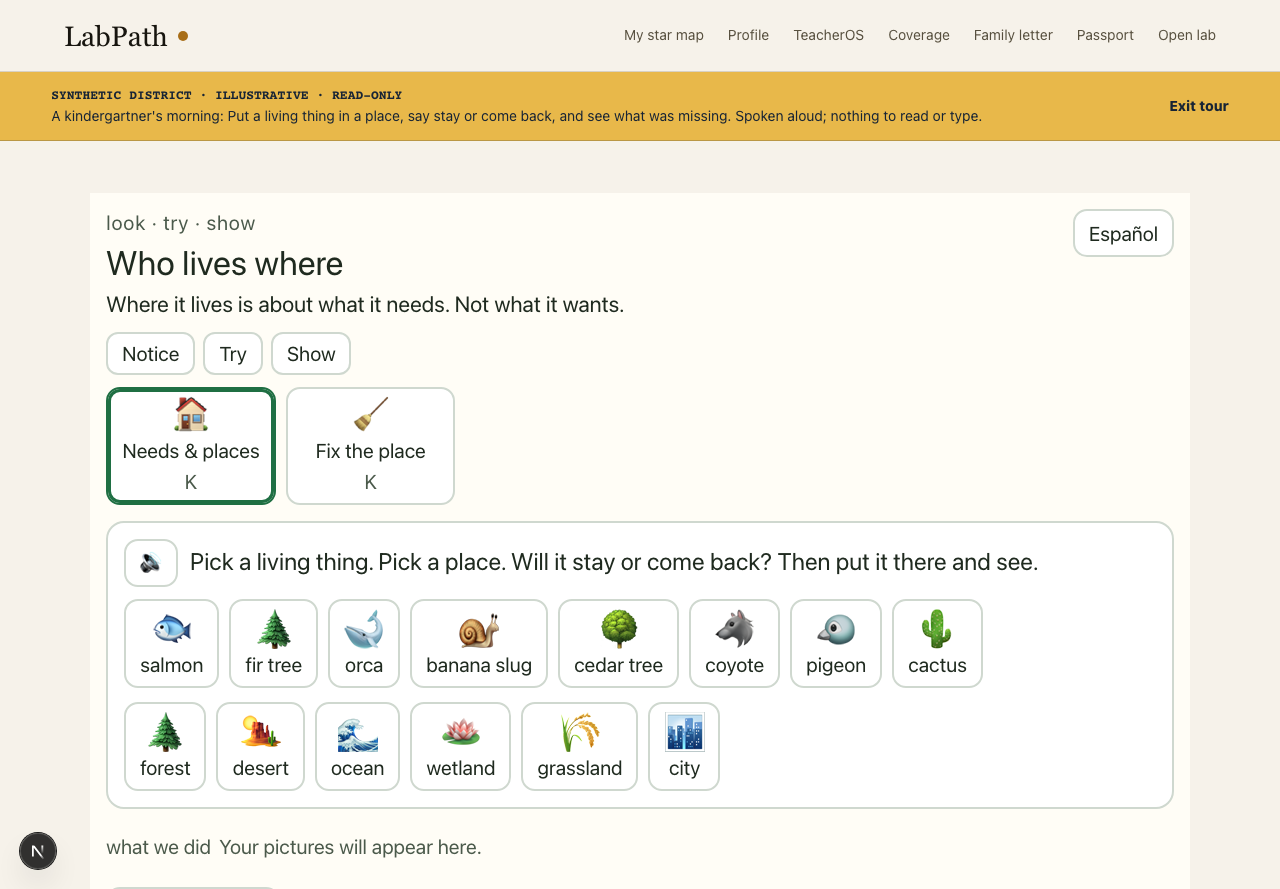
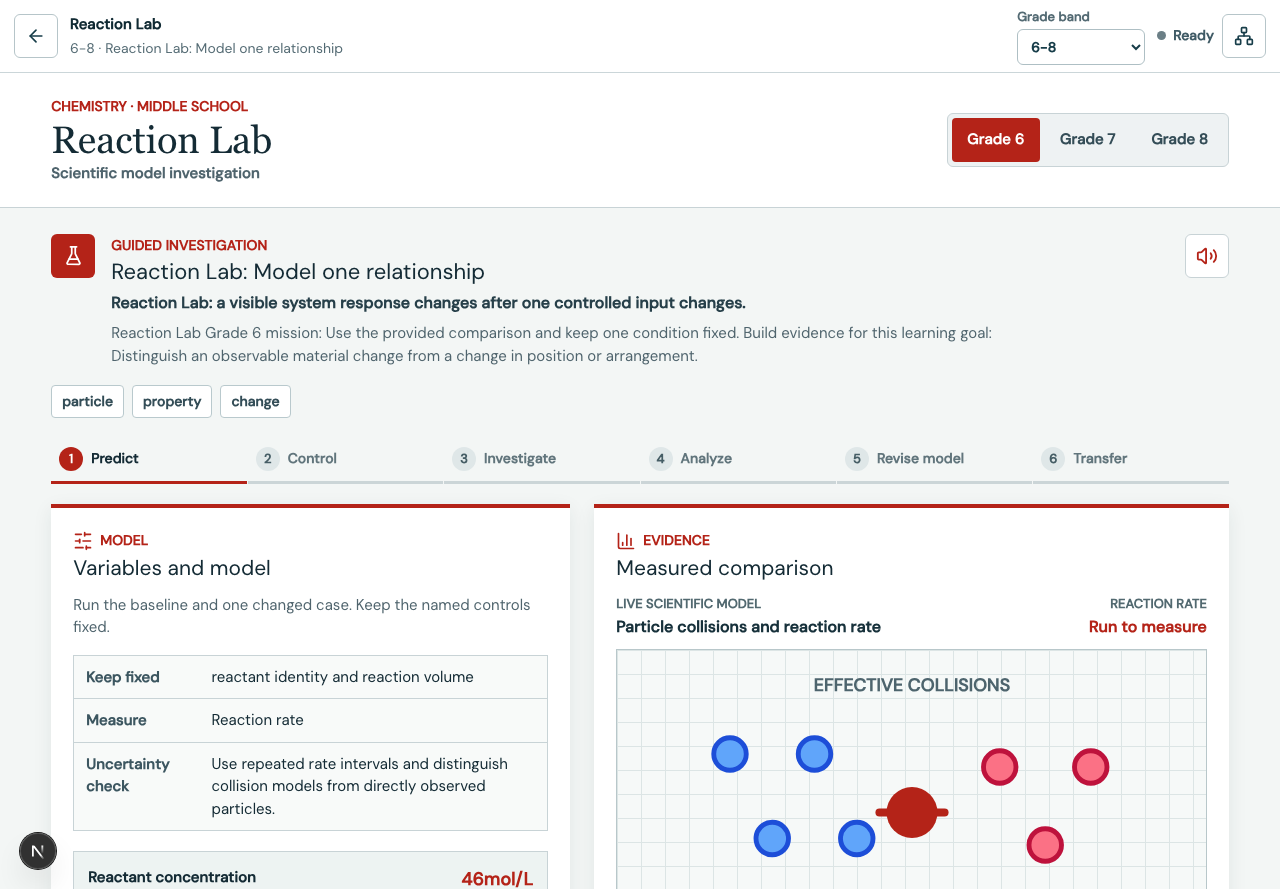
Each World keeps its domain model, representations, misconceptions, and grade-specific scaffolds.
Mathematics
Foundations, Algebra I and II, Geometry, Precalculus, Calculus, and Statistics.
Sciences
Biology, Chemistry, Physics, Earth systems, AP Biology, and AP Chemistry.
Technology and design
Computer science, cybersecurity, data, engineering, robotics, and human-centered design.
Humanities and applied learning
Writing, history, world language, arts, business, clinical, and workforce scenarios.
School and district view
Aggregate the evidence without exposing the learner.
District views summarize standards reach, coverage gaps, cohort patterns, and provenance. Small groups are suppressed below the configured minimum cell.
- School and district rollups
- Standards reach and uncovered expectations
- Misconception and intervention patterns
- Small-cell suppression and tenant boundaries

Implementation
A web product with real classroom and institutional paths.
Start with a teacher account and classroom link. Configure roster and LMS connections when the institution is ready.
Access
Hosted browser application, classroom links, learner joining, and role-specific teacher and district surfaces.
Roster and LMS
Native classroom flows plus Google Classroom, Clever, Canvas, and Schoology connection surfaces. Institutional configuration is required.
Continuity
Evidence events can queue on the device during network loss and synchronize when the connection returns.
Data boundaries
Tenant-scoped records, role-aware views, small-cell suppression, and human approval for consequential actions.
Trust belongs after product proof
Clear operating boundaries.
No advertising or learner-data sales.Marketing records are not joined to learner records.
The teacher makes the consequential decision.Suggestions do not schedule, publish, verify, or intervene by themselves.
Accessibility is tracked as a release gate.Keyboard, motor, contrast, language, and assistive-technology checks are reviewed by surface.
Claims keep their provenance.Computed, proposed, illustrative, pending, and verified claims remain distinguishable.
Standards coverage
91%189/208 NGSS performance expectations have a mission-level mapping in the canonical registry.
Proposed mapping, unverifiedSource: Committed fallback snapshot · generated Aug 30, 2026 · mapping pending · method: mission-level computeNgssCoverage()
This is a curriculum mapping, not evidence of learning outcomes. Outcome evidence begins with the first pilot, autumn 2027.
Start with one class
Assign the first lab today.
Create a teacher account, choose a World, and generate a classroom link.
Create a teacher accountDownload the one-page product briefDistrict walkthrough